Legal Document OCR Software for Medical and Case Records
Convert scans, faxed records, and difficult PDFs into searchable case materials without sending the team into a separate OCR-only workflow.
A large share of legal record review time is wasted before the review even begins because the source file is not usable. Faxed records, scanned hospital packets, and image-heavy PDFs turn basic search into guesswork and force staff into manual reading.
File Logic applies OCR as part of the matter workflow rather than as a disconnected preprocessing step. Once the file is uploaded, the team can move directly from extraction into search, chronology, and question-answering without juggling separate tools.
That makes OCR materially more useful for legal teams. The goal is not only to create machine-readable text. The goal is to make the record operational for case preparation.
OCR that feeds the rest of the legal workflow
Many OCR tools stop once they extract text. Legal teams still have to organize the result, find the important events, and map the record to the questions driving the case. File Logic carries the OCR output forward into the same workflow your team uses for timeline review and cited analysis.
That continuity matters most when the source files are poor quality. A usable OCR workflow should not just unlock text search. It should reduce the cost of understanding what the file says.
OCR built directly into file ingestion
Searchable output connected to the source record
Faster downstream chronology and summary workflows
Less manual cleanup after upload
Why OCR failures become legal workflow failures
If the OCR step breaks, every task after it takes longer or becomes less reliable.
Unreadable scans
Search cannot help if the PDF is image-only
Teams lose one of the fastest review tools when the file is not searchable. Instead of jumping to relevant terms or providers, they are forced back into page-by-page manual reading.
Disconnected tooling
OCR output often lives outside the real case workflow
Many firms run OCR in one system, then export text or a new PDF into another. That extra movement slows the case down and creates more room for confusion about which file is authoritative.
Low trust
Teams still need a way to verify extracted text
OCR is only useful when users can compare what the system found to the underlying page. Without that connection, legal teams hesitate to rely on the extracted text for analysis.
How File Logic handles OCR for law firms
Upload scans, faxes, and difficult PDFs
The platform accepts the kinds of files legal teams actually receive, including image-based medical records and mixed-quality PDFs from multiple sources.
Extract searchable text as part of the case workflow
OCR runs inside the same system that supports chronology and record review, so the text becomes immediately usable for search, summaries, and follow-up questions.
Use the improved record across the rest of the matter
Once processed, the same document can support timeline extraction, fact finding, and export workflows without being passed through another toolchain first.
Upload once, then work from a searchable case file
The upload flow is built to get difficult records into a workable state quickly. Instead of treating OCR as a technical preprocessing task, File Logic presents the file as the start of the legal workflow and makes the processed content available where the team already works.
That means the value of OCR shows up immediately in review speed, chronology quality, and the ability to ask precise questions against records that were originally difficult to use.
OCR integrated with upload and review
Searchable text from scanned records
Immediate handoff into chronology and Q&A
Less tool switching for legal staff
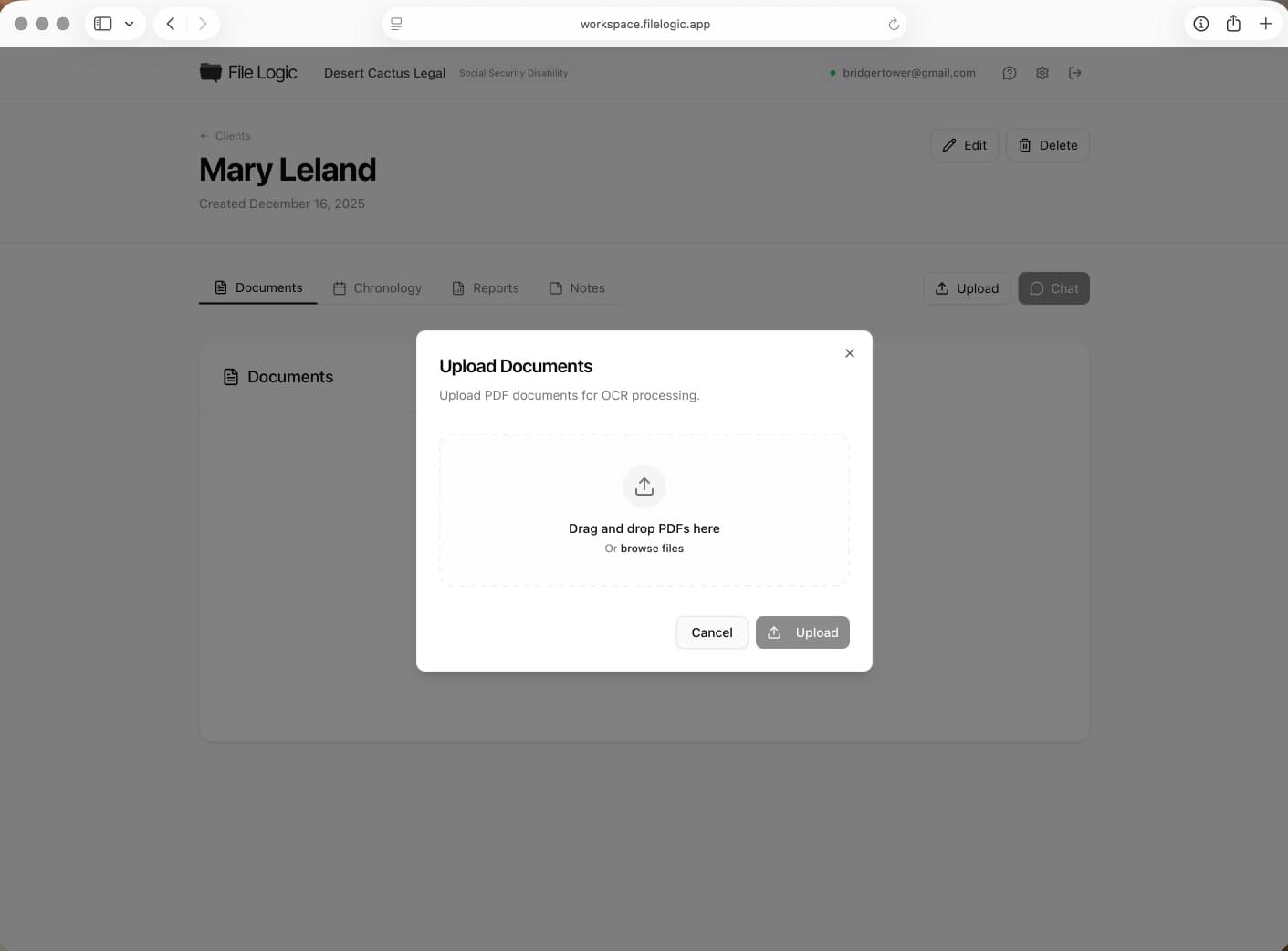
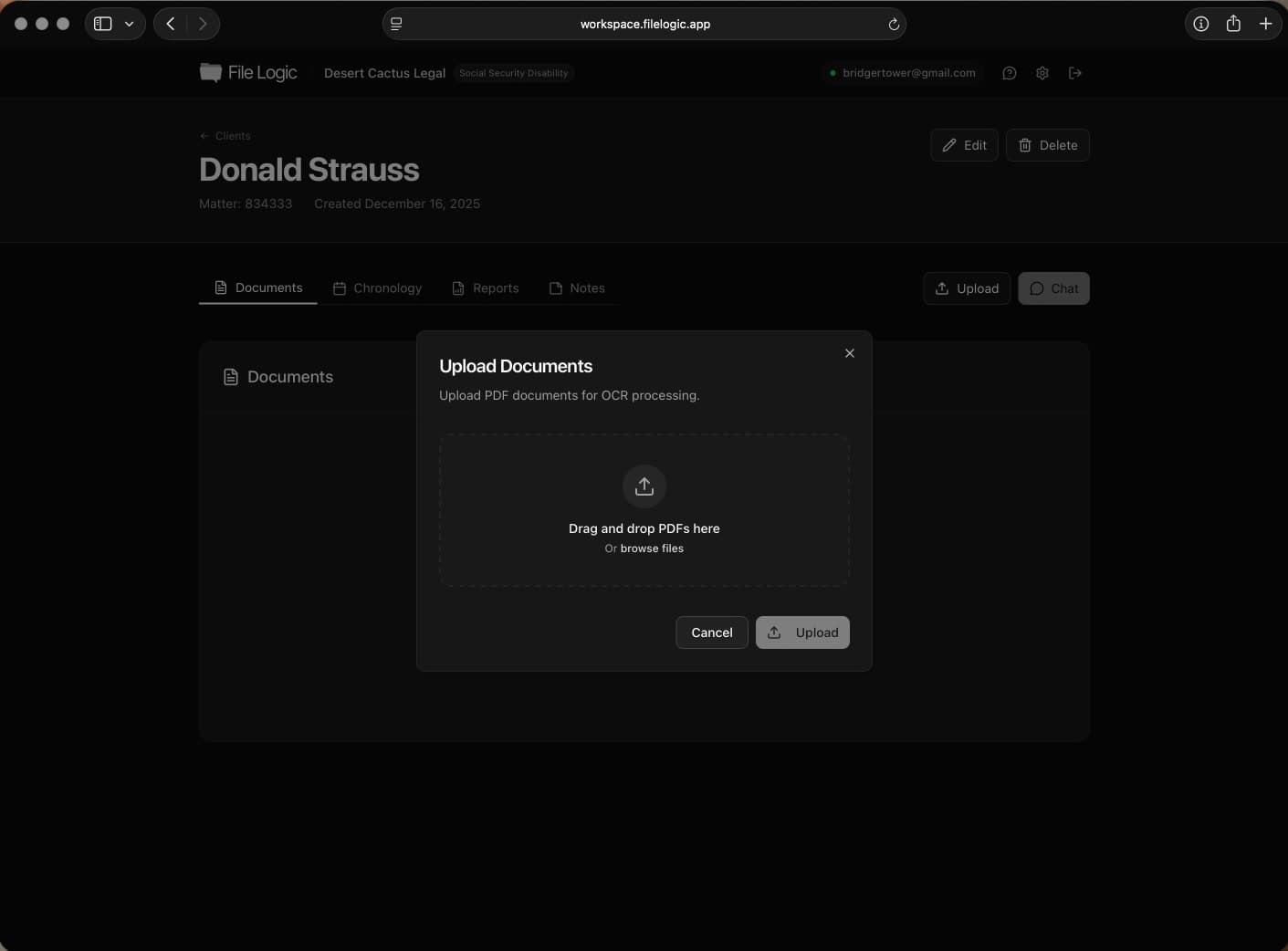
OCR is part of the upload pipeline so difficult documents become searchable and useful without a separate processing workflow.
OCR without sending sensitive files through ad hoc tools
Legal teams handling medical records need a better answer than desktop OCR utilities and one-off upload services. File Logic keeps OCR inside a platform designed for ongoing client work, which means the extracted file does not have to leave the review environment to become usable.
That is especially important for firms that want efficiency gains without introducing new uncertainty into how sensitive records are processed and stored.
OCR inside the secure case workflow
Protected handling of sensitive document uploads
Encrypted storage for source and processed files
Compliance-aware platform design
See where this workflow fits
File Logic supports multiple record-heavy practices. Explore the pages below for case-specific language and workflows.
Questions before you book a demo?
Stop treating OCR like a separate project
See how File Logic turns scanned records into searchable case materials your team can review immediately.